Privates: A Clean Google Slide Template for Modern Presentations
Creating a presentation that looks polished and professional shouldn't require hours of design work. With the right starting point, you can focus on your message while ensuring your slides make a powerful visual impact. The Privates - Google Slide Template offers a streamlined solution for anyone looking to deliver ideas with clarity and style, providing a flexible foundation for a wide range of projects.
This template is built for versatility. Whether you're preparing a business pitch, a portfolio showcase, or an educational lecture, its clean layouts and modern aesthetic help you communicate effectively. The design prioritizes readability and visual harmony, ensuring your content takes center stage without distraction.
Key Features for Seamless Design
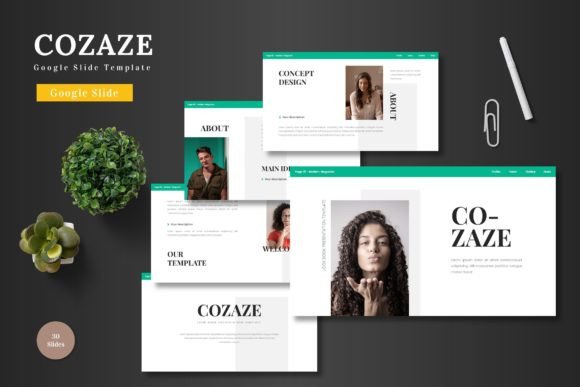
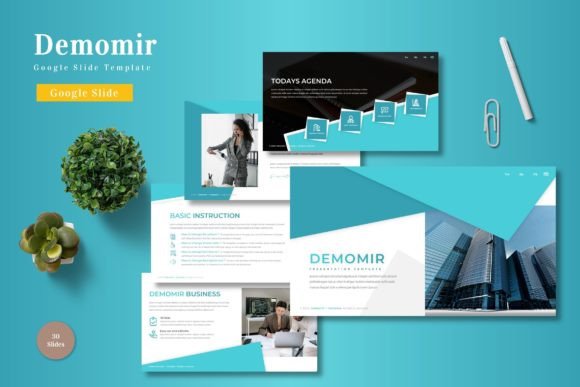
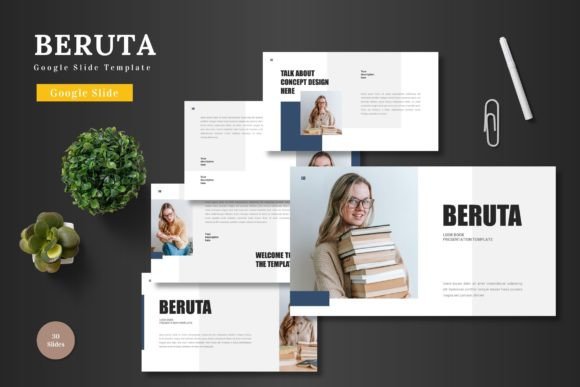
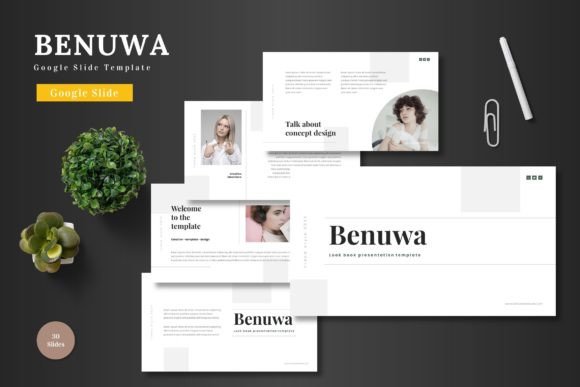
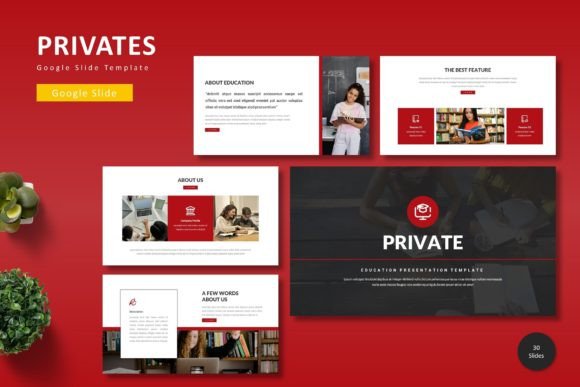
What makes this template stand out is its thoughtful collection of design assets. It includes over 150 total slides, organized into five premade color schemes, giving you 30 unique slides per template. This variety allows you to maintain a consistent brand identity throughout your deck while keeping each section fresh and engaging.
The template is fully customizable, based on master slides for easy editing. All graphics are resizable and editable, and picture placeholders allow for simple drag-and-drop image insertion. You'll also find handcrafted infographics, section break slides, and dedicated gallery layouts to present your work compellingly.
Ideal Use Cases for This Template
Consider using the Privates - Google Slide Template for projects where a modern, clean aesthetic is key. It's well-suited for:
- Corporate Presentations: Quarterly reviews, project proposals, and team updates benefit from its professional structure.
- Creative Portfolios: Showcase design work, photography, or case studies using the gallery and portfolio slides.
- Marketing & Sales Decks: Launch products, present campaign results, or pitch to clients with visually compelling data and layouts.
- Educational & Workshop Materials: Create clear, engaging slides for lectures, tutorials, or training sessions.
Tips for Choosing and Using Your Template
When selecting any design asset, including a Google Slides template, a few practical checks can ensure it's the right fit for your project.
First, review the available color schemes. Do they align with your brand's palette or the mood you want to set? The five variations in this template provide a strong starting point for different tones, from energetic to subdued. Next, test the layouts with your own content. Check that text boxes accommodate your copy length and that image placeholders work with your preferred aspect ratios.
Consider the overall mood and flexibility. A template like this, with its clean lines and modern typography, is excellent for projects aiming for a contemporary, professional feel. Finally, always ensure the license covers your intended use, whether it's for a personal project, a client presentation, or commercial distribution.
Choosing a well-structured template like Privates - Google Slide Template is about more than just aesthetics; it's about efficiency and impact. It saves valuable design time, ensures visual consistency across your entire presentation, and helps you project a level of professionalism that enhances your credibility. By starting with a solid foundation, you can dedicate more energy to refining your message and engaging your audience.