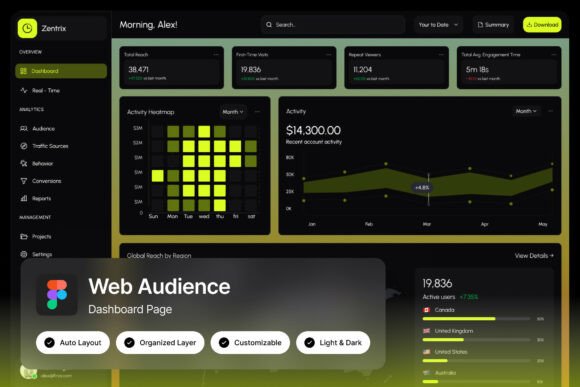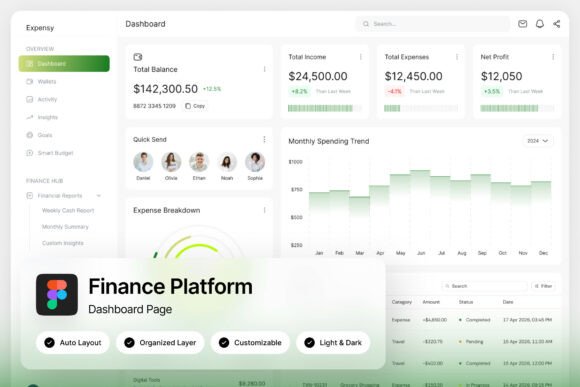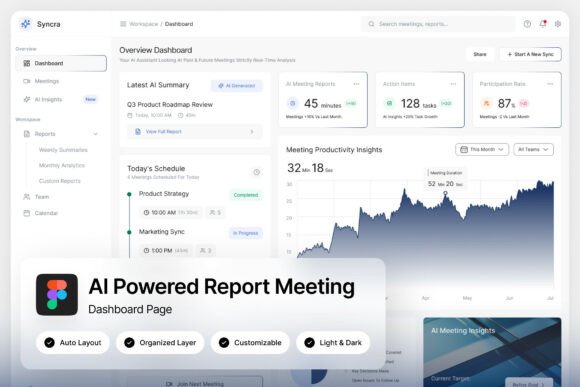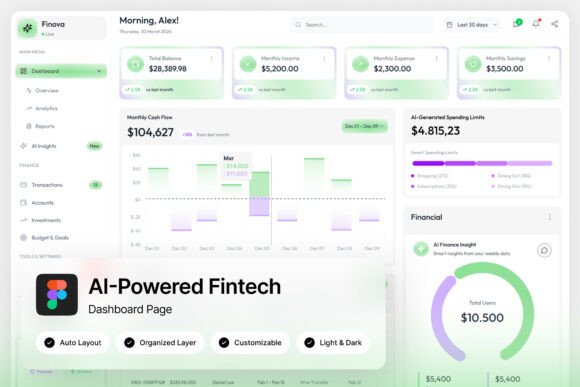
CareHub Clinical Performance Dashboard L
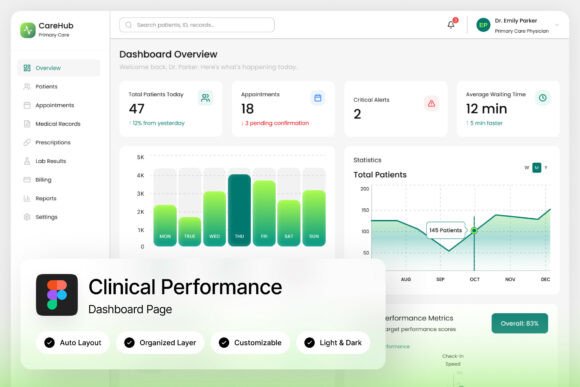
In the fast-paced world of healthcare technology, clarity and professionalism aren't just nice-to-haves—they're essential. The CareHub Clinical Performance Dashboard L is a modern healthcare dashboard landing page template that brings this principle to life, offering designers and developers a powerful tool for presenting complex clinical data with elegance and ease.
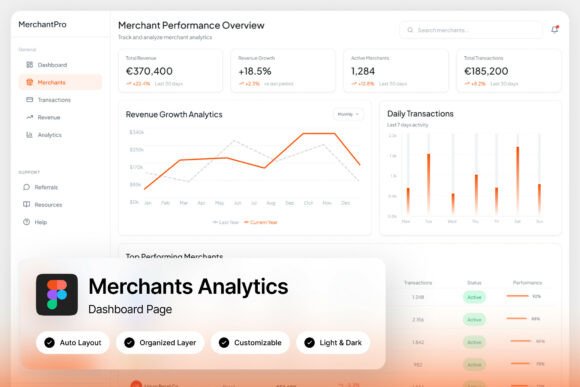
This template is built for a variety of professional applications. Whether you're designing an admin dashboard for hospital administration, creating a patient monitoring system interface, or developing a medical SaaS platform, CareHub provides a clean, intuitive foundation. Its design focuses on insightful data visualization through professional charts and layouts that prioritize user experience, making it easier for healthcare professionals to access and understand critical performance metrics at a glance.
Beyond its primary function, the template's aesthetic versatility makes it a valuable design asset. Its modern, clean UI layout can inspire and inform other projects where a polished, professional appearance is crucial. Think about the visual language needed for health-tech branding, medical app interfaces, or even informational materials that require a sense of trust and clarity. The principles of good typography, balanced spacing, and purposeful color use demonstrated in this dashboard can elevate the quality of many creative endeavors.
Key Features for Creative Flexibility
What makes this template particularly useful is its attention to detail and user-centric design. It includes two high-quality admin dashboard screens at a sharp 1440×1024 pixel resolution, ensuring your designs look crisp and professional. The layout is pixel-perfect, with well-organized, named, and grouped layers, which streamlines the customization process in Figma. This thoughtful structure saves valuable time, allowing you to focus on tailoring the design to your specific project needs rather than untangling a messy file.
The inclusion of both light and dark mode interfaces is a significant advantage. This dual-mode design not only caters to different user preferences but also demonstrates how to manage color systems effectively—a useful lesson for any design project. Furthermore, the use of free Google Fonts ensures that the typography is both beautiful and accessible, removing potential licensing hurdles and making it easier to maintain consistency if you adapt elements for other uses.
Practical Applications and Design Considerations
When integrating elements from a resource like this into your work, consider the broader context. The right design assets should align with the mood and function of your project. For instance, the clear, data-driven aesthetic of a clinical dashboard might be perfect for:
- Healthcare and Wellness Branding: Creating logos, brand guidelines, or collateral that need to convey competence and care.
- Digital Product Design: Designing user interfaces for apps or websites that present information, statistics, or user progress.
- Presentation and Editorial Design: Developing slides, reports, or magazine layouts that require a modern, structured, and credible look.
Always test how design elements translate across different scales and mediums. A chart style that works on a dashboard might inspire a unique infographic for a social media graphic. A clean layout grid can be adapted for a brochure or a poster design. The goal is to extract the underlying design logic—the balance, hierarchy, and clarity—and apply it creatively to your own projects.
Choosing a well-designed resource is about more than just aesthetics; it's about investing in a toolkit that enhances your creative workflow and final output. A thoughtfully constructed template like this one provides a masterclass in modern, functional design, offering both direct utility and a source of inspiration for creating more polished, professional, and effective visual communications across any medium.