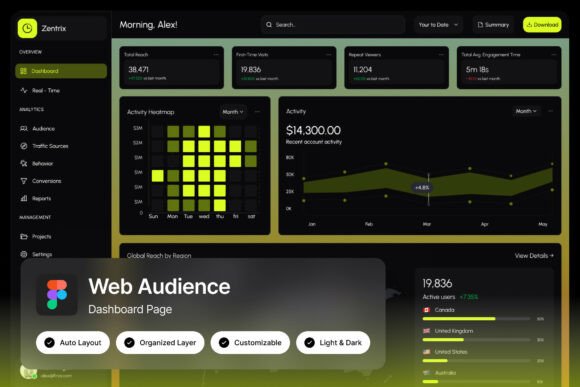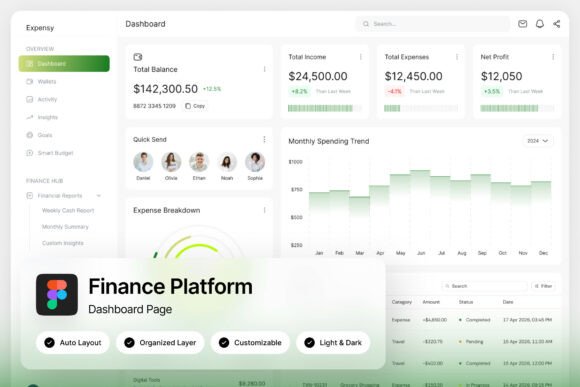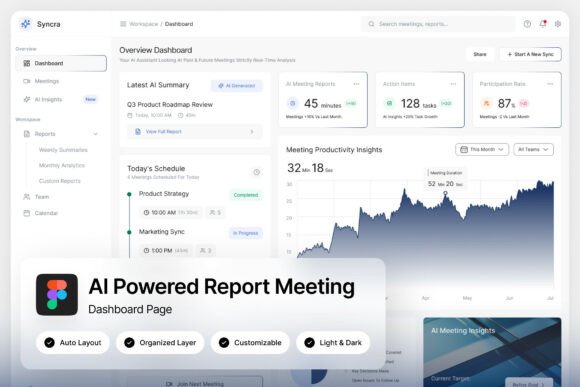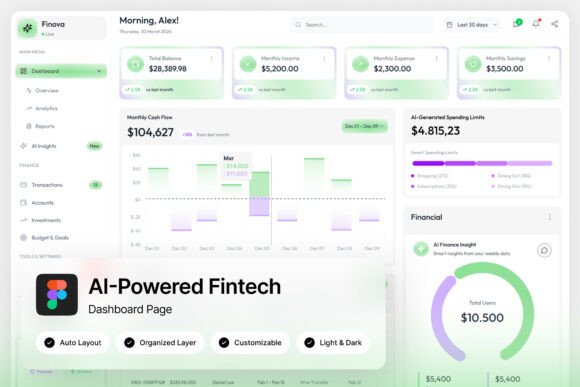
Health Care Patient Medical Dashboard
In the fast-paced world of healthcare technology, managing patient data, monitoring hospital metrics, and overseeing medical administration requires a tool that is as intuitive as it is powerful. A well-designed Health Care Patient Medical Dashboard serves as the central nervous system for modern medical platforms, transforming complex datasets into clear, actionable insights for professionals on the front lines.
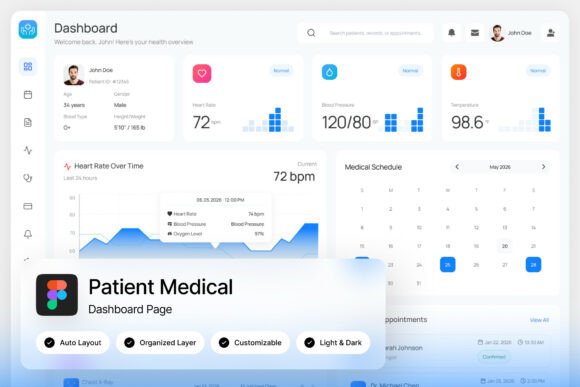
This professional healthcare dashboard template is crafted specifically for patient management systems, hospital monitoring platforms, and healthcare analytics services. It moves beyond generic admin panels by offering a clean, medical-inspired layout that feels both familiar and innovative. The design prioritizes clarity and efficiency, allowing doctors, administrators, and support staff to navigate critical information with minimal friction. The intuitive UI components are built to handle the unique demands of a clinical environment, from patient records to real-time monitoring.
Designed for Modern Healthcare Platforms
The core of this template lies in its thoughtful features. With two high-quality admin dashboard screens at a crisp 1440×1024 pixel resolution, you get a complete visual system to prototype or build from. The design is unique, stylish, and thoroughly modern, avoiding the cluttered look of outdated medical software. Every element is pixel-perfect, ensuring your final product looks polished and professional from day one.
Customization is straightforward. The files are well-organized with named and grouped layers, making it easy to edit colors, swap components, or adjust layouts to match specific branding guidelines. The inclusion of free Google Fonts removes a common hurdle, providing accessible typography that complements the clean aesthetic. Furthermore, the availability of both light and dark mode interfaces is a significant advantage, offering flexibility for different user preferences and reducing eye strain during long shifts.
Practical Applications and Creative Use Cases
While the primary function is healthcare administration, the design principles behind this dashboard are valuable for any project requiring a sophisticated, data-driven interface. Consider how its layout and component structure could inform:
- Brand Identity for a health-tech startup, establishing a trustworthy and modern visual language.
- Web Design for patient portals or telemedicine services, where usability is paramount.
- Editorial Design for medical journals or reports, using the dashboard's clean charts and graphs for inspiration.
- Presentation Templates for pitching healthcare solutions to investors or stakeholders.
The design's strength is its balance of professionalism and approachability. It avoids the cold, overly technical feel of some medical software, instead fostering a sense of calm competence. This makes it an excellent reference for creating social media graphics for health campaigns or packaging for wellness products where trust and clarity are essential.
Tips for Selecting and Using Dashboard Design Assets
When choosing a design asset like this, focus on its adaptability. Test the layout with realistic data to ensure readability holds up under pressure. The mood of the design should align with your project's goal—this template's clean, serene aesthetic is perfect for patient-facing applications or internal tools that value calm efficiency. Explore how the components, like charts, tables, and navigation menus, can be repurposed or styled differently.
Always consider font pairing. While the included fonts work harmoniously, understanding the underlying typeface choices—a blend of sans-serif for UI elements and potentially a serif for headings—can help you maintain visual consistency if you need to extend the design. Finally, review the license to ensure it fits your intended use, whether for a personal project, a client's hospital platform, or a commercial SaaS product.
Ultimately, a thoughtfully crafted dashboard template is more than just a collection of screens; it's a foundation for building tools that people rely on daily. It demonstrates how modern typography, a well-considered color palette, and an organized layout can drastically improve the user experience, making complex information accessible and management tasks feel less daunting. Choosing a design asset that prioritizes both form and function is a step toward creating software that is not only effective but also a pleasure to use.